watch it work
The ICS-214 keeps itself.
One tap logs the action. The form writes itself.
After the incident comes the paperwork, and the ICS-214 activity log is the one everyone reconstructs from memory.
In Cass, logging is one tap: briefed IC, got sign-off, media staging set, held press conference, posted to social.
Every release you make lands in the log automatically, timestamped and in order.
When it is over, the export button produces a FEMA-style ICS 214 form, filled in, ready to print or save as PDF.
Your after-action report starts from a record, not from recollection.
Video transcript
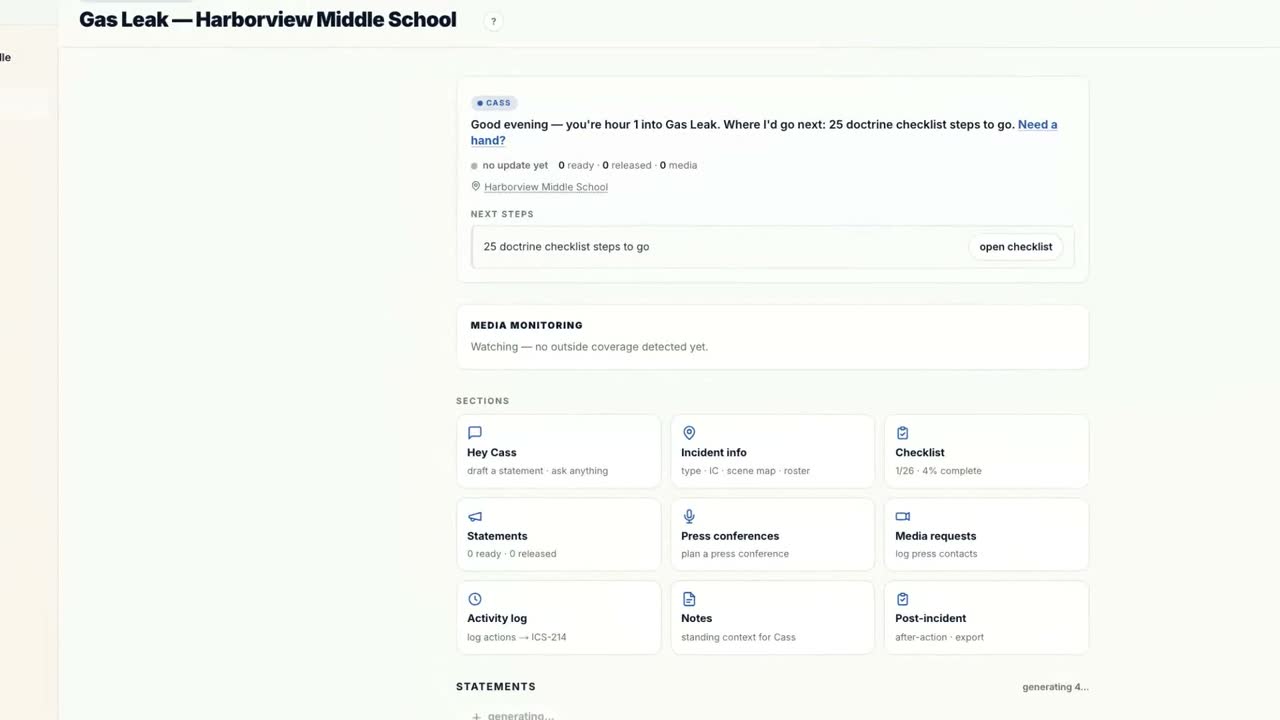
The recording opens inside an active incident workspace for a gas leak at Harborview Middle School, on the activity log section.
The log input offers one-tap chips: briefed IC, got IC sign-off, media staging set up, held press conference, posted to social, monitoring social and press, media inquiry received, corrected a rumor.
The log below shows timestamped entries in order, including released items like the hold statement and social post, each tagged.
The user taps got IC sign-off and the entry appears on the log with its timestamp.
The user opens the ICS-214 export. A FEMA-style Activity Log form renders with incident name, operational period, name, ICS position, home agency, resources, and the full activity log, with a print or save as PDF button.
The recording ends on the Hey Cass brand card: the 214 keeps itself.
your turn.
Beta is free, signup is instant, and founder seats lock their rate for life.
Your department blocks outside email? Sign in with your work account instead.
Once you're approved, your Microsoft or Google work account signs you straight in — nothing has to survive your agency's mail filter. Already in the beta? These sign you in right now.